Everything between upload and post.
No timeline with forty tracks. No plugin marketplace. Just the handful of tools you use on every single clip, done properly.
Every word, with the moment it was said
PutCaption sends only the audio to a speech-to-text engine and gets back word-level timestamps. That is what makes the karaoke-style highlight land on the beat instead of drifting a second behind.
- Language detected from the first 30 seconds, with a confidence score you can override
- Files up to 4 GB; long recordings are chunked automatically
- Names, numbers and punctuation kept

267 templates, every knob exposed
Pick a template that is close, then change anything: font family and weight, size, letter spacing, the way the current word is marked, outline, shadow, background pill, gradient fill and the entry animation.
- Colour, box, underline or scale highlight for the active word
- Pop, bounce, fade, slide, flip, karaoke, typewriter, shake, wave and build
- Script-aware fonts for Devanagari, Gujarati, Bengali, Tamil, Telugu, Kannada, Malayalam, Odia, Gurmukhi and Arabic
Fix a word without touching the timeline
The transcript is the editor. Click a line, retype it, press Enter. Split a long line with the scissors, merge two short ones, or nudge start and end by a few frames. The video preview updates as you type.
- Undo and redo for everything
- Autosave every couple of seconds
- Drag the caption block anywhere on the frame
Same video, different audience
Translate the captions to any of 80 languages. Timing is kept, so translated words still highlight in sync. Right-to-left languages render correctly in the export.
- Hindi, Urdu, Arabic, Spanish, French, German, Japanese, Korean and more
- One click from the export panel
- Original transcript stays available
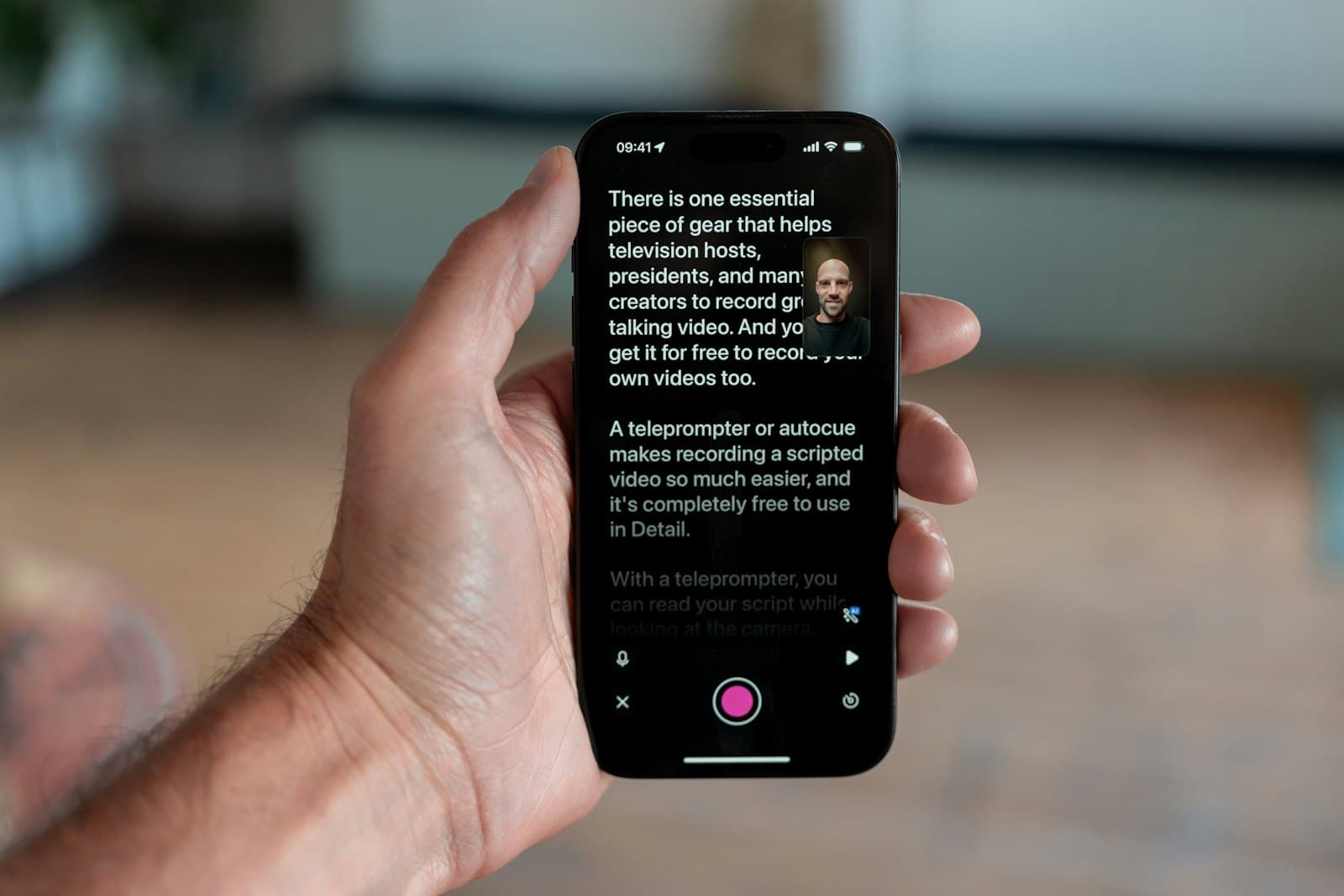
What you see is what gets rendered
The same drawing code runs in your browser preview and on the export server, frame by frame. There is no second engine that interprets your style differently.
- MP4 at source resolution, 1080p or 720p
- SRT, VTT and plain text downloads
- Audio passed through untouched
Keyboard first
Space to play, arrows to step, Ctrl+Z to undo.
Bring your own SRT
Skip transcription if you already have subtitles.
Nothing is final
Re-split all captions to a new words-per-line count any time.
Background exports
Close the tab. The render keeps going and the file waits for you.